

Muse Image 1.0
Released July 7, 2026
Meta Superintelligence Labs' first image model: faithful prompt following, precise edits, multi-photo composition and legible text. It powers the generator on this page at 3 credits per image.
Meta has not released Muse Image 2 yet. This generator runs the current Muse Image 1.0: write a prompt for posters, infographics and photoreal images with readable text, or upload photos and describe the edit. The next version will be added here when Meta ships it.

Release status · Updated November 16, 2026
Meta has not announced Muse Image 2. The model you can use today is Muse Image 1.0. Here is what is confirmed, what is not, and what this site runs.
Released July 7, 2026
Meta Superintelligence Labs' first image model: faithful prompt following, precise edits, multi-photo composition and legible text. It powers the generator on this page at 3 credits per image.
No date from Meta
Meta has published no name, date or specs for a second version, so this page lists none. When it ships and an API opens, it will appear in the generator as a new option.
Version 1.3 since September 2026
Meta's language model line, often confused with Muse Image. It reads text, images and video and answers in text; it does not generate images. Its point releases hint at how Meta numbers versions.
Dates come from Meta's newsroom and AI blog. Anything about a second version beyond this list is speculation.
| Date | What happened |
|---|---|
| July 7, 2026 | Meta releases Muse Image in the Meta AI app, on meta.ai, in Instagram Stories in the US and in WhatsApp in limited countries. |
| July 2026 | Meta reports Muse Image at No. 2 on Arena for text to image, single-image editing and multi-image editing. |
| August 27, 2026 | Muse Image becomes available to outside developers through third-party APIs, which is how this site runs it. |
| November 16, 2026 | No Muse Image 2 announcement. Muse Image 1.0 is still the current version. |
Every image here was made on this site with Muse Image 1.0. Tap one to load its prompt into the generator, then make it your own.


Meta built Muse Image to follow long instructions, edit precisely and combine several reference photos. These are the jobs where that shows.
Text in images
Words you can actually read
Ask for a how-to guide, a labeled diagram or an invitation and spell out the words you want. Meta says Muse Image renders text legibly and styles it to match the design. Put exact wording in quotes, and check small labels before you publish.
Use this prompt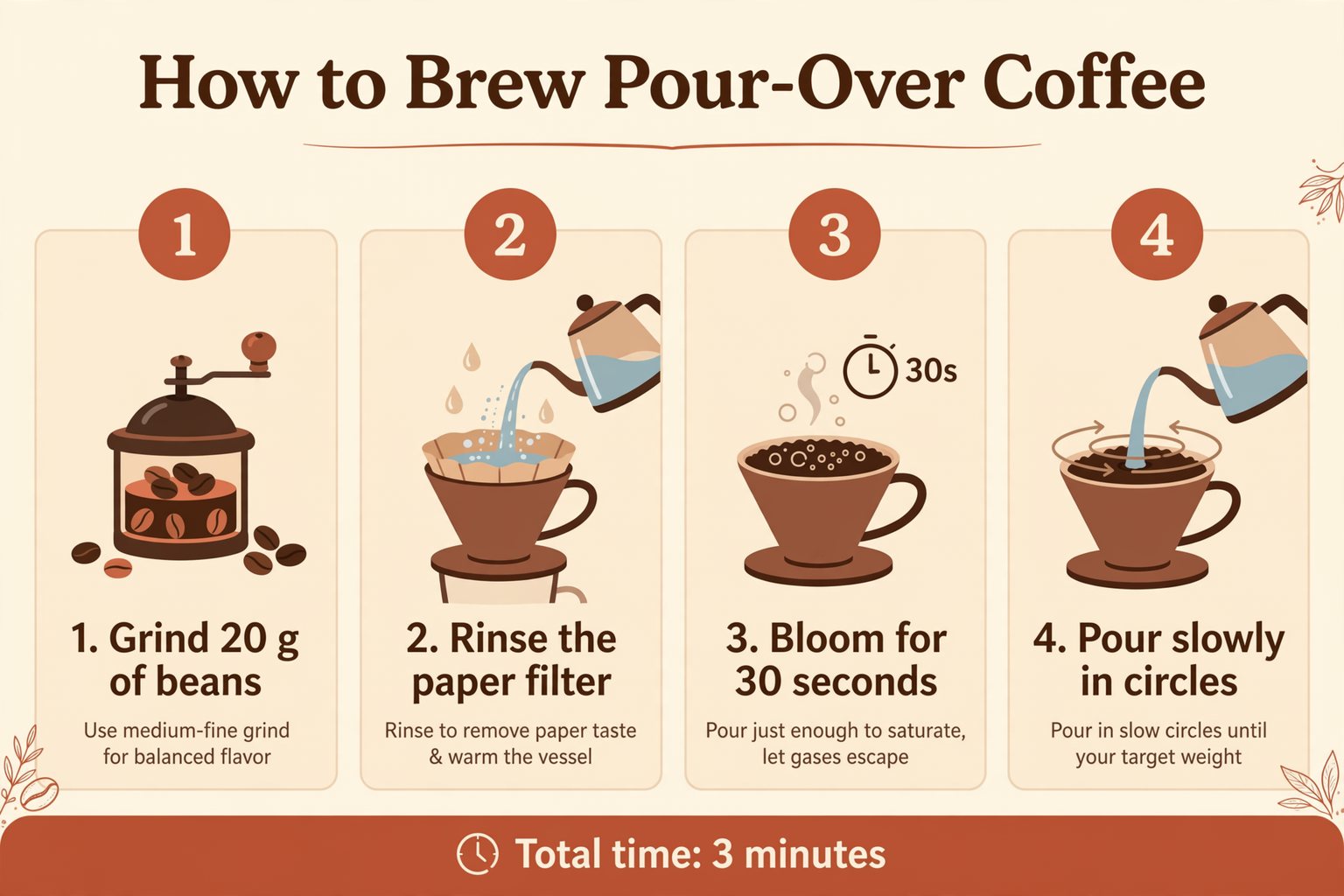
Multi-image editing
People, products and styles in one prompt
Upload a product shot, a background and a style reference, then say how they fit together. Muse Image composes people, objects, clothing, styles and places from multiple inputs. This site takes up to 10 photos per edit.
Use this prompt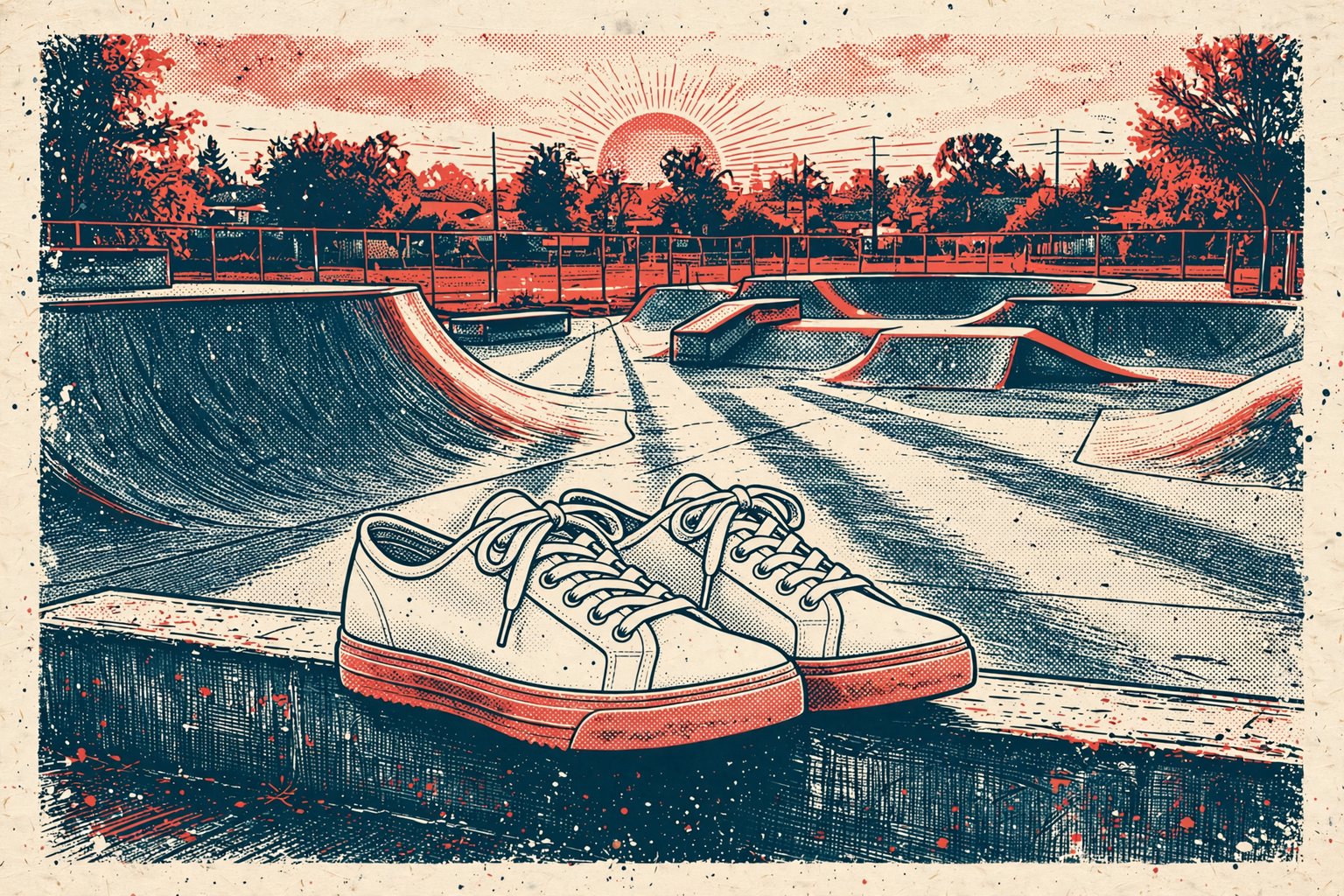
Photorealism
Light and texture that read as real
Candid moments, film looks and studio product photos come out with natural light and believable texture. At its July 2026 launch, Meta reported Muse Image at No. 2 on Arena for text to image and for image editing, ranked by human preference votes.
Use this prompt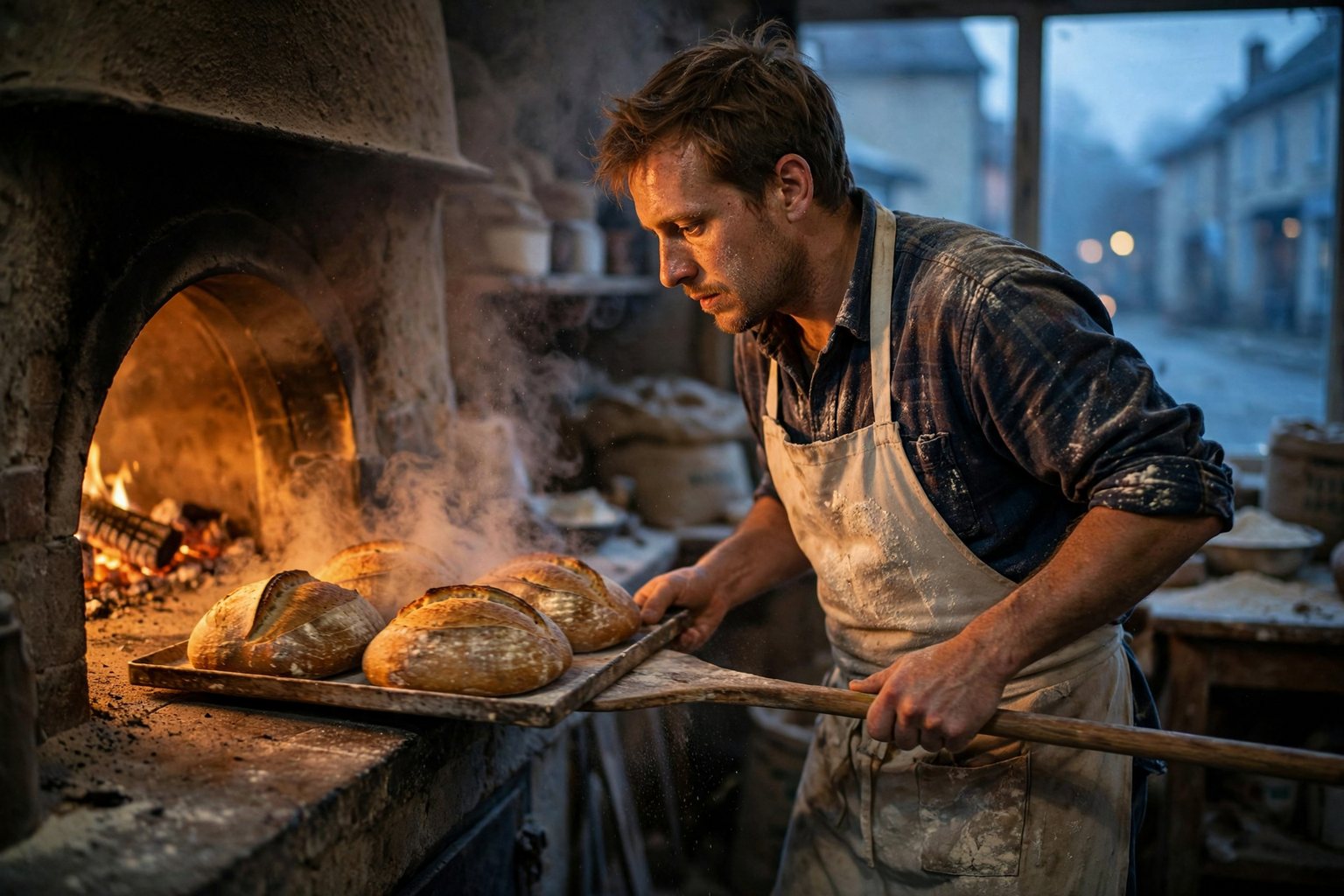
Restyle
Same subject, new look
Upload a room sketch, a pet photo or a selfie and ask for a photoreal interior, an oil painting, a claymation character or a 16-bit game sprite. The subject and the layout stay; the style changes.
Use this prompt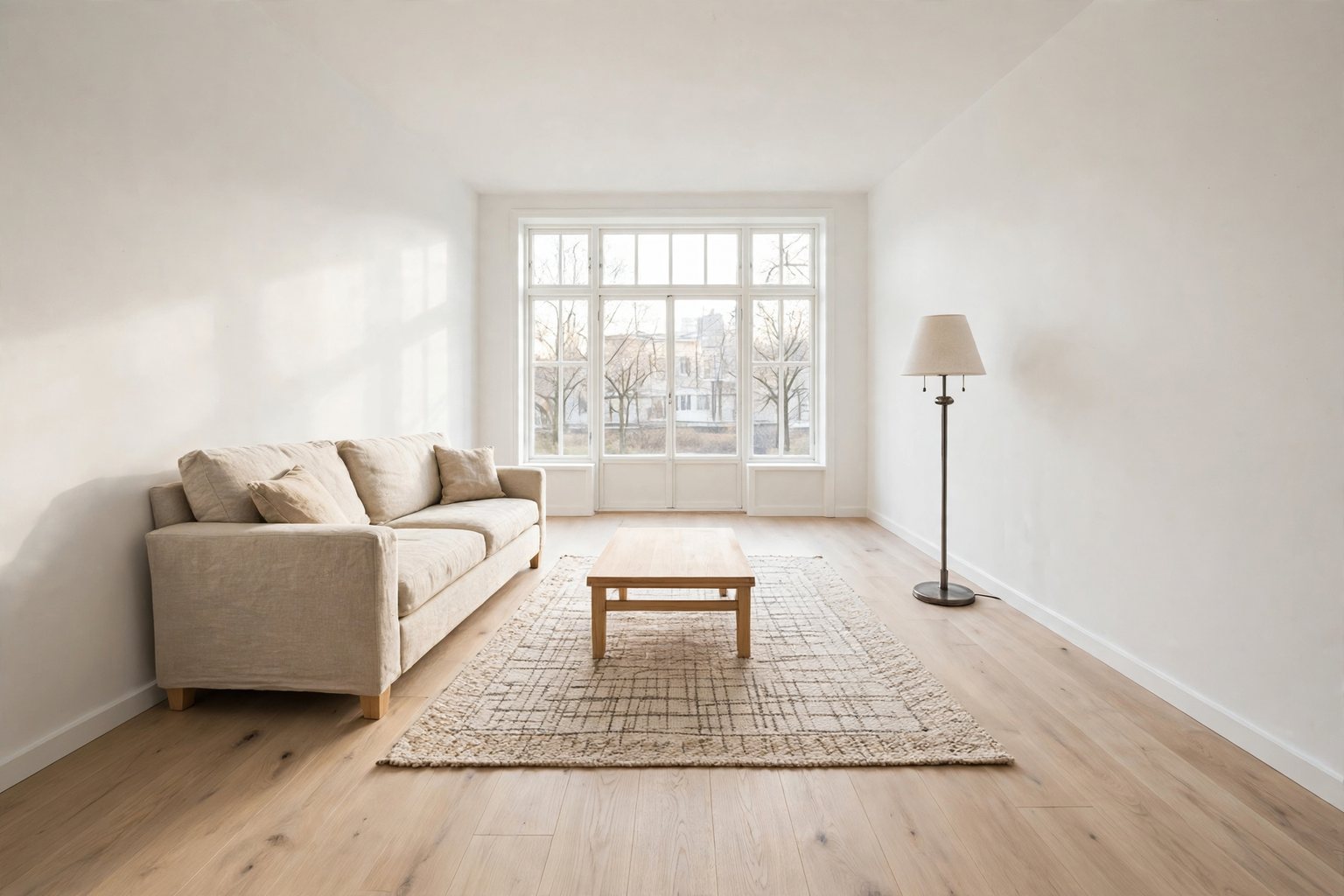
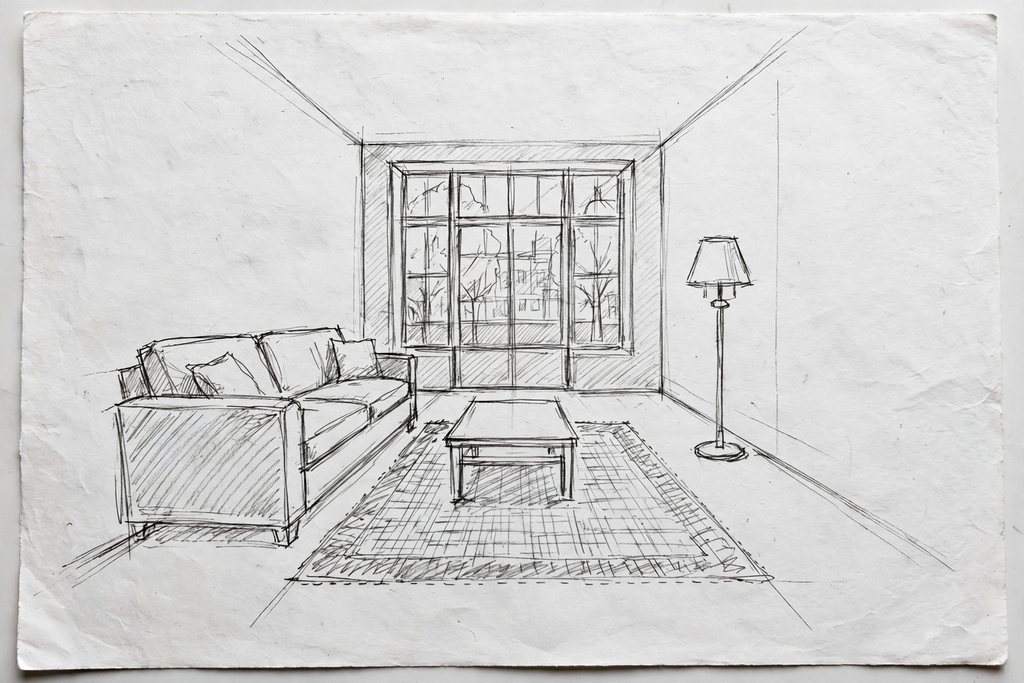
Precise editing
Change one thing. Keep the rest.
Upload a photo and say exactly what should change: new sign text, a cleared sky, a different wall color. Muse Image changes what you ask for and leaves the rest of the picture alone. Drag the handle to compare.
Try an edit
 OriginalEdited
Give a hex code or name a fabric, and only that object changes. Perspective, shadows and reflections stay consistent.
Upload a menu, sign or poster and ask for another language. The layout, type style and colors stay as they were.
Turn day into night, warm up a room or add a sunset glow while every object stays in place.
Use cases
From product pages to lesson slides, people use the model where text, layout and accuracy matter as much as looks.
Product pages, listing images and seasonal variants without a photo studio.
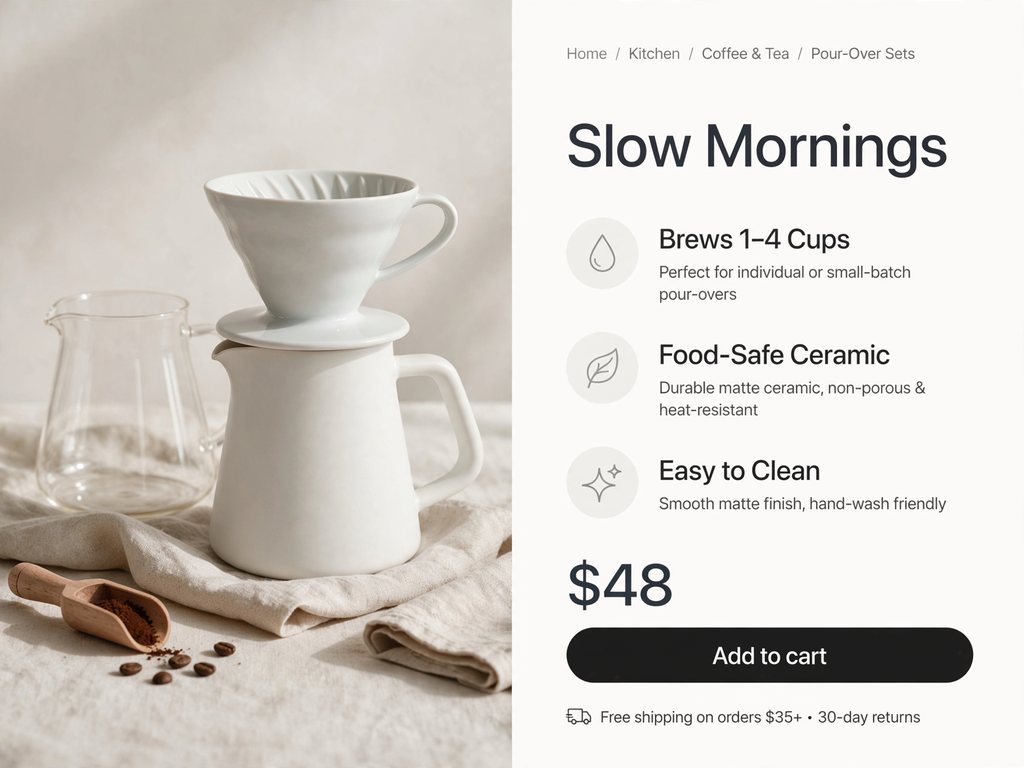
Describe the product, the headline and three selling points, and get a long-form page with callouts and a price block.
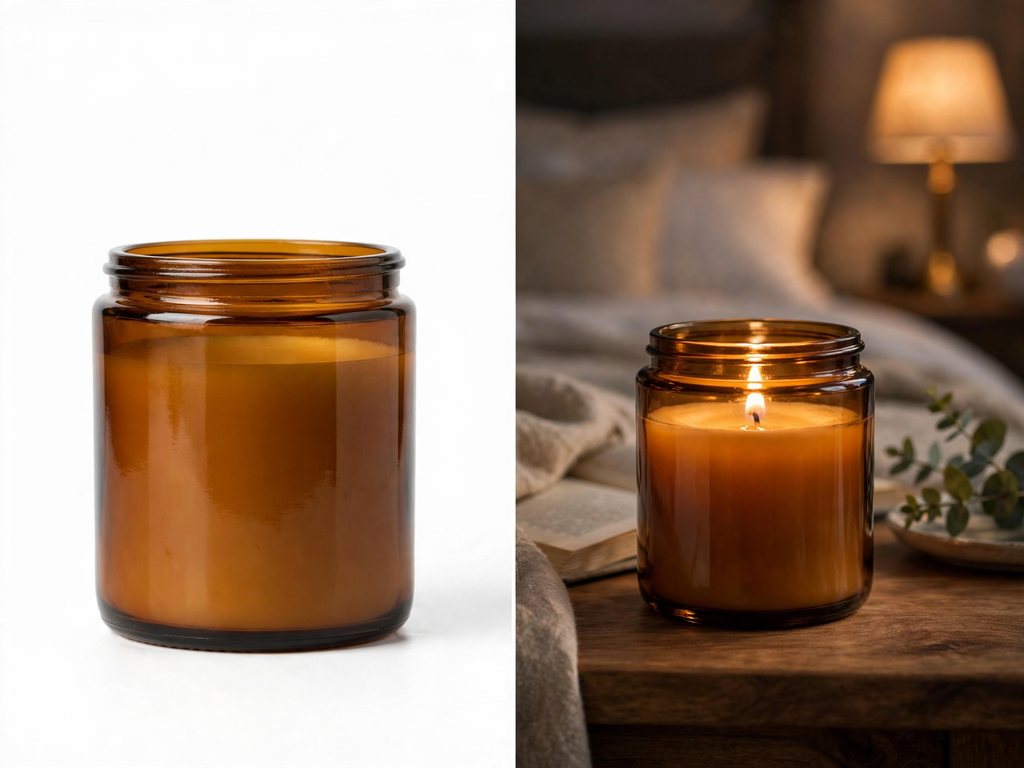
Upload a plain product photo and place it on a kitchen counter, a beach or a studio set while the product stays the same.
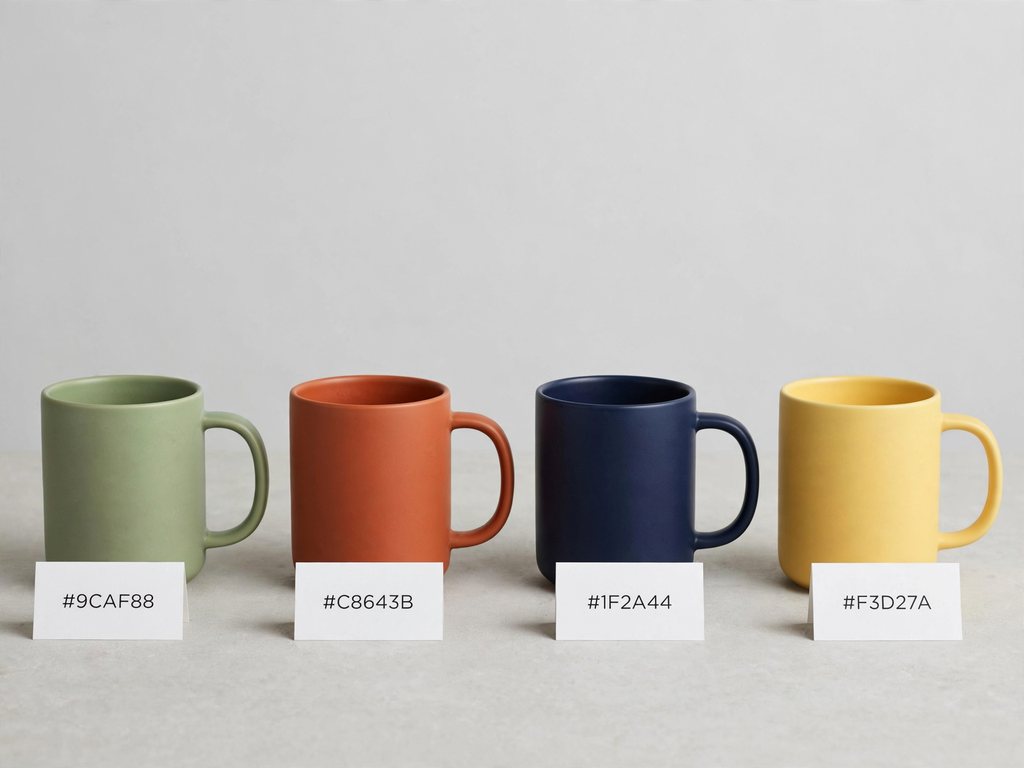
Name the item and the new color to preview colorways before you order samples.
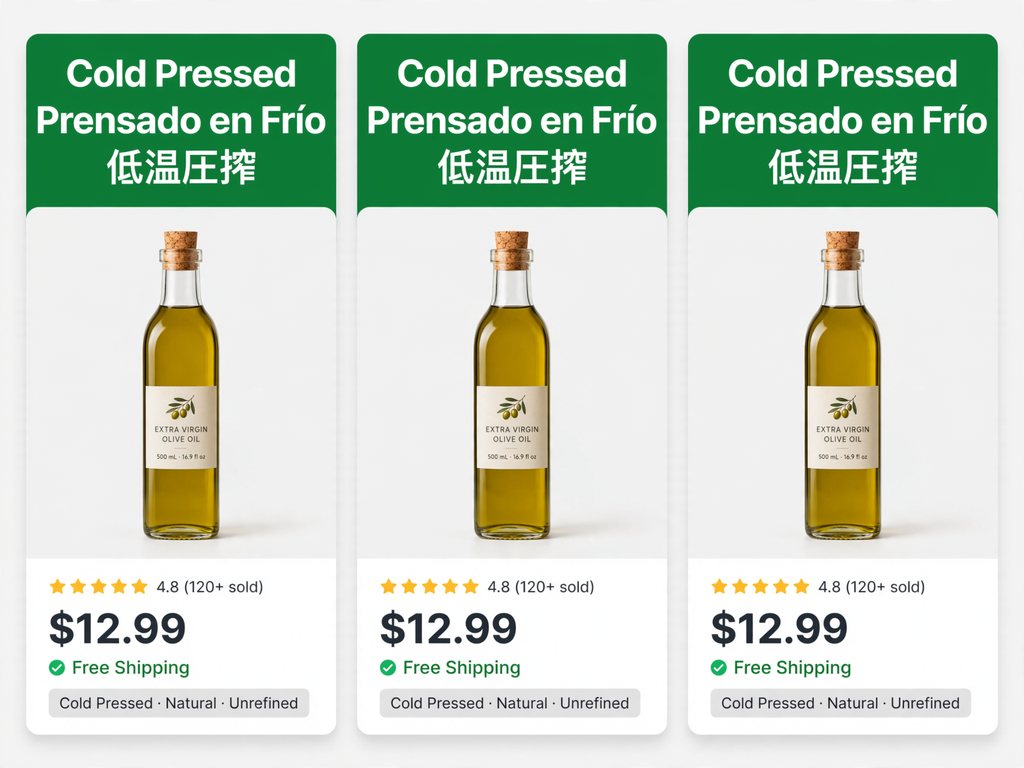
Translate the text on your images for each storefront while the layout and branding stay put.
Simple steps
Sign in, describe the image or upload photos to edit, pick a shape, then refine one change at a time. Everything runs in your browser.
Choose the plan that matches how often you generate with Muse Image 2.
Quick answers about the release status, free credits, image specs and how this site relates to Meta.
No. As of November 16, 2026, Meta has not announced Muse Image 2 or given a date for it. The current model is Muse Image 1.0, which Meta Superintelligence Labs released on July 7, 2026. This page is updated when that changes.
Muse Image 2 (museimage2.pro) runs Meta's Muse Image 1.0 for text to image and for image editing. No image made here comes from a Muse Image 2 model, because that model does not exist yet. When Meta releases it and an API opens, it will be added as a separate option so you can compare the two.
New accounts get 3 free credits, enough for 1 image, with no credit card. Failed runs are refunded automatically. After that, credit packs and monthly plans add more credits, private images and no watermark. Meta also offers Muse Image free for everyday use inside its own Meta AI app.
No. This site (museimage2.pro) is an independent site that runs Meta's Muse Image model through a third-party API. We are not affiliated with or endorsed by Meta. The official product lives in the Meta AI app and on meta.ai.
Muse Image is the first image generation model from Meta Superintelligence Labs. Meta describes it as a model that follows instructions faithfully, edits with precision and composes from multiple references, with legible text inside images. It launched in the Meta AI app, on meta.ai, in Instagram Stories and in WhatsApp.
Nobody outside Meta knows, and we will not guess. For context, Meta's language model Muse Spark launched in April 2026 and reached version 1.3 in September, moving in point releases. The next image model may arrive under a name other than Muse Image 2.
The model accepts up to ten input images per edit, and the generator on this site takes all ten. Use several when you need to combine a person, a product, a background and a style in one image.
You choose one of eight aspect ratios: 1:1, 3:2, 2:3, 4:3, 3:4, 16:9, 9:16 or 21:9. Muse Image sets the pixel size itself, so there is no separate resolution setting. Downloads are PNG files.
At its launch in July 2026, Meta reported Muse Image in the No. 2 spot on Arena for text to image, single-image editing and multi-image editing, based on human preference votes. Rankings move as new models ship, so check the current Arena leaderboard before you pick a model for a job.
Yes. Images you generate here are yours to use in client work, ads, product listings and print. Free images carry a small watermark; paid plans remove it.
Write a prompt or upload a photo to edit. It runs in your browser, and new accounts get free credits with no card required.
Aspect ratios
Credits per image
Free image on sign-up